
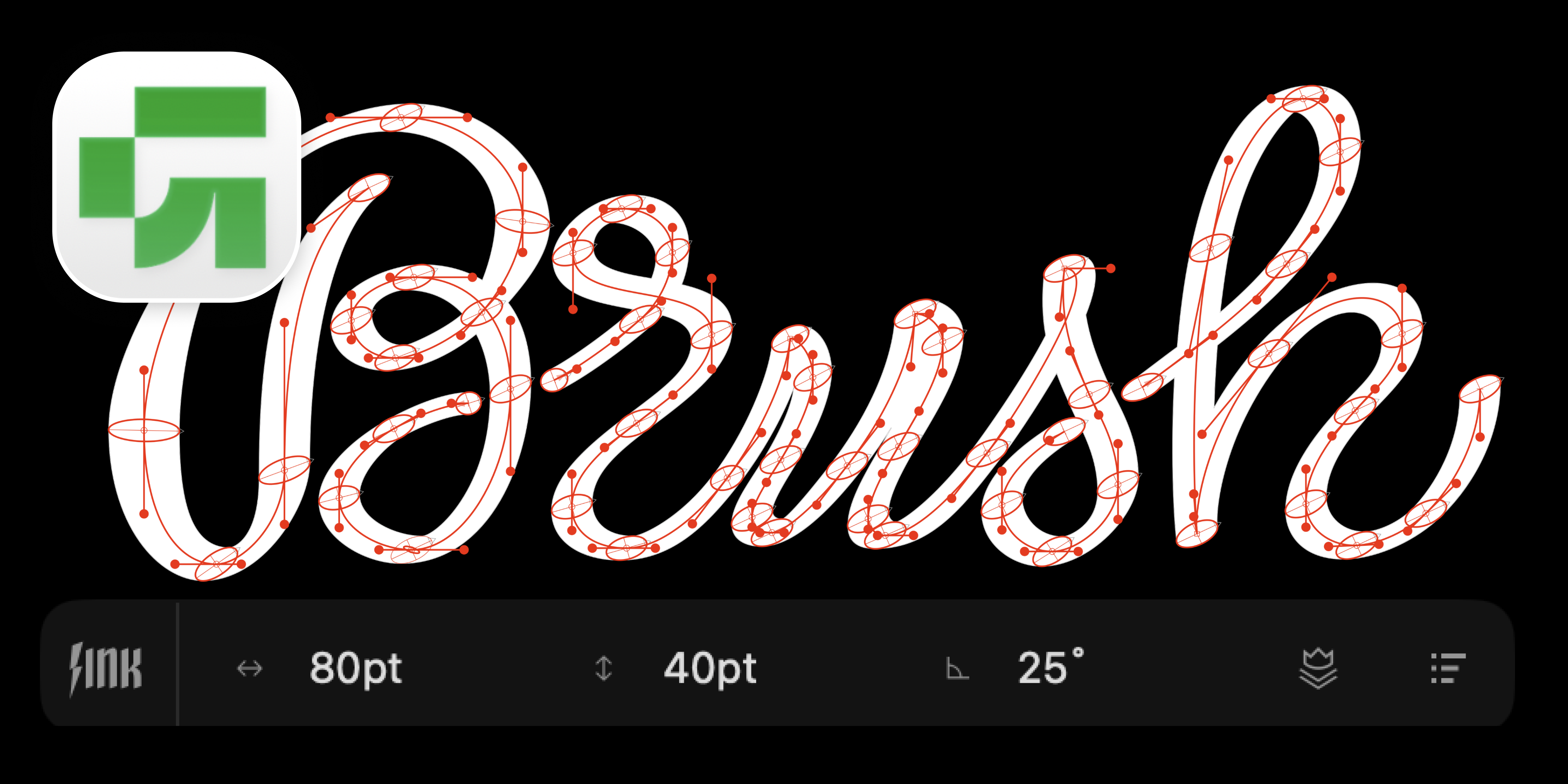
Glyphs 4 has been officially out for a few weeks now, and many of you are already switching over. You need LTTR/INK to work there too. Consider it done: LTTR/INK for Glyphs 4 is available from today, and it brings a few improvements along the way.
TL;DR
- LTTR/INK now runs on Glyphs 4.
- Two known issues are fixed in this update for Glyphs 4.
- Update straight from the Glyphs Plugin Manager.
Known issues resolved on Glyphs 4
Outlines display after upgrade: When you opened a file saved with a previous version of LTTR/INK, the outlines could fail to display correctly at first — a one-time visual glitch that cleared once you saved, closed, and reopened the file. On Glyphs 4 this no longer occurs.
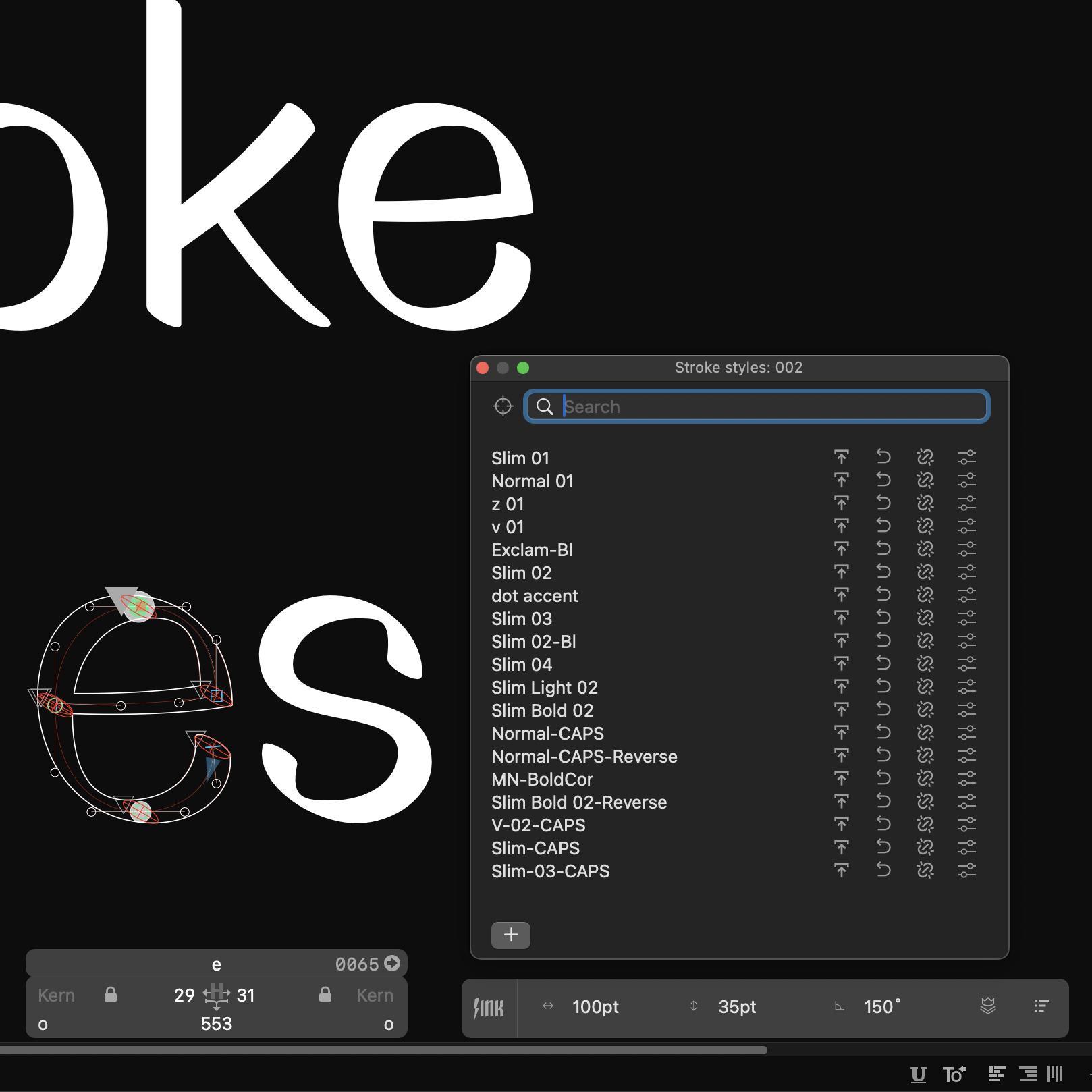
Scale Font to new Units per Em: When you scaled the font to a new Units per Em value, stroke widths and angles were not adjusted automatically, and you had to update the Font Master defaults by hand. On Glyphs 4 this no longer occurs.
Install Update
- Install LTTR/INK for Glyphs 4 from the Glyphs Plugin Manager.
- Don't have a licence yet? You can get one here.
Should you spot any other issues, please report them here.
What's next
The old Abscissa nib algorithm has been deprecated for a while, and we plan to remove it entirely. Instead of Abscissa, you'll use an ellipse nib with zero height — though this may change the stroke shapes slightly. If you need Abscissa for legacy fonts, keep the legacy version of the LTTR/INK plugin for Glyphs aside.
We hope this update makes your move to Glyphs 4 smooth. As always, we welcome your feedback as you explore the new version.